Create Your Trail
Head to My Trails and tap Create New Trail. Give it a name that sparks curiosity ("Grandma's Garden Quest" beats "Test Trail 1"). Add a short description so players know what they're in for.
Define Your Eggs
On your trail details page, you'll see the Eggs table. Tap "Add Egg" to create eggs. Every trail starts with Egg 0 (the starting egg everyone gets first), then letters A, B, C... You assign a 2-digit code to each egg — players must find this code in the real world and enter it to "find" the egg.
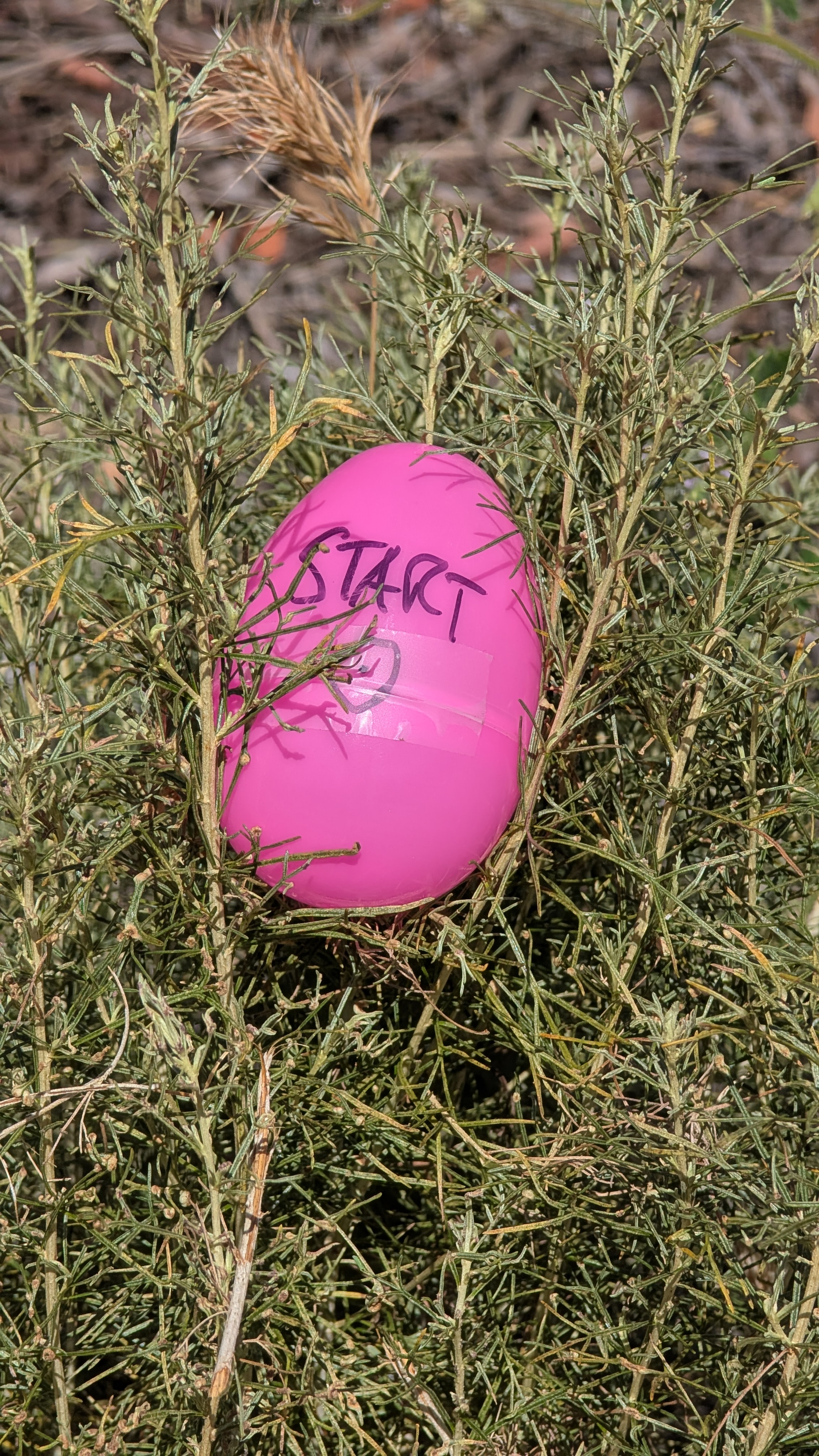
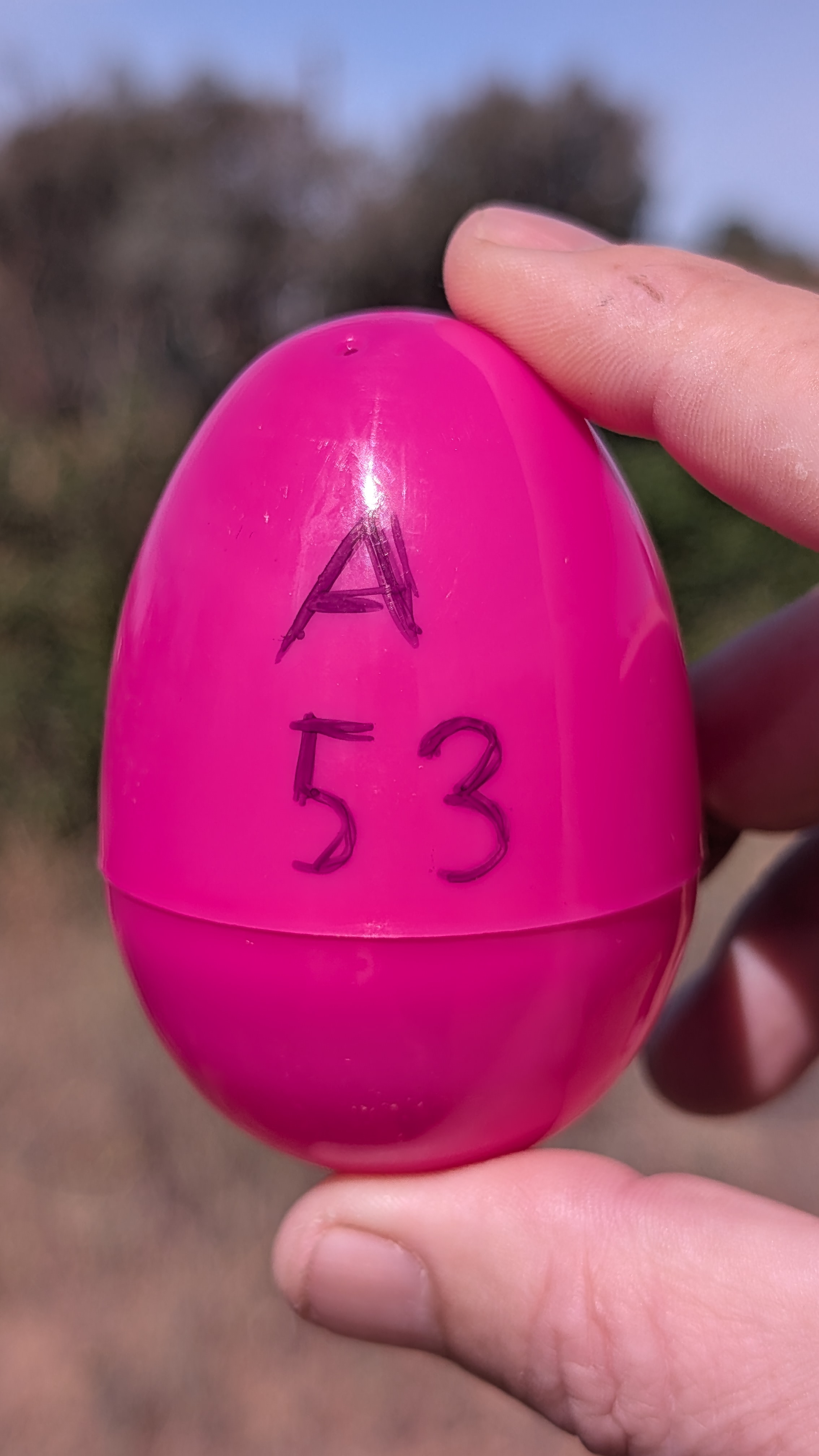
How many eggs? For a backyard hunt, 5-8 eggs is a sweet spot. For a park-wide adventure, go for 10-15. More than 20 and you're basically running a marathon.
Hide the Eggs
Now the fun part: go outside and hide your eggs. For each egg, you'll do two things at each location:
1. Place a physical marker with the egg letter and code. Write A-42 on a plastic Easter egg with a marker, or tape a strip with the code to a tree or fence. Players need to find this physical marker and read the code.
2. Drop the egg on the map while you're standing at that spot. Open the Map Editor, tap the unplaced egg chip at the bottom, then hit the recenter button to snap to your exact GPS position, and tap the green + to drop it right where you are.
This way, each egg is perfectly placed: the GPS pin matches the real-world hiding spot.
Go Live
Back on your trail details page, tap Live to publish your trail. Players can now join using your trail's join code. Share the code or the direct link with your group.
The Leaderboard updates in real-time as players find eggs. It tracks who found the most eggs and how fast they completed the trail.